Watch YouTube.Learn the words.
Bilingual subtitles on any English video. Tap a line, keep it as a card, and it comes back right before you’d forget it. No Anki, no manual labor.
Free. No credit card needed.
Run it yourself
This is what happens after you tap a subtitle line — a real clip, the real pipeline, its actual cards. No sign-up, nothing to install.
interview-with-glen.mp4
English · 0:46
interview-with-glen.mp4
English · 0:46
Free · no sign-up · this is what one tap on a subtitle does
"Interview with a Teacher – Glen Caruso" by Chase Bohanon & Glen Caruso, via Wikimedia Commons — CC0 1.0 (public domain).
However it comes in
A video. A webpage. A PDF. A photo of a menu. Cards come out the other side.
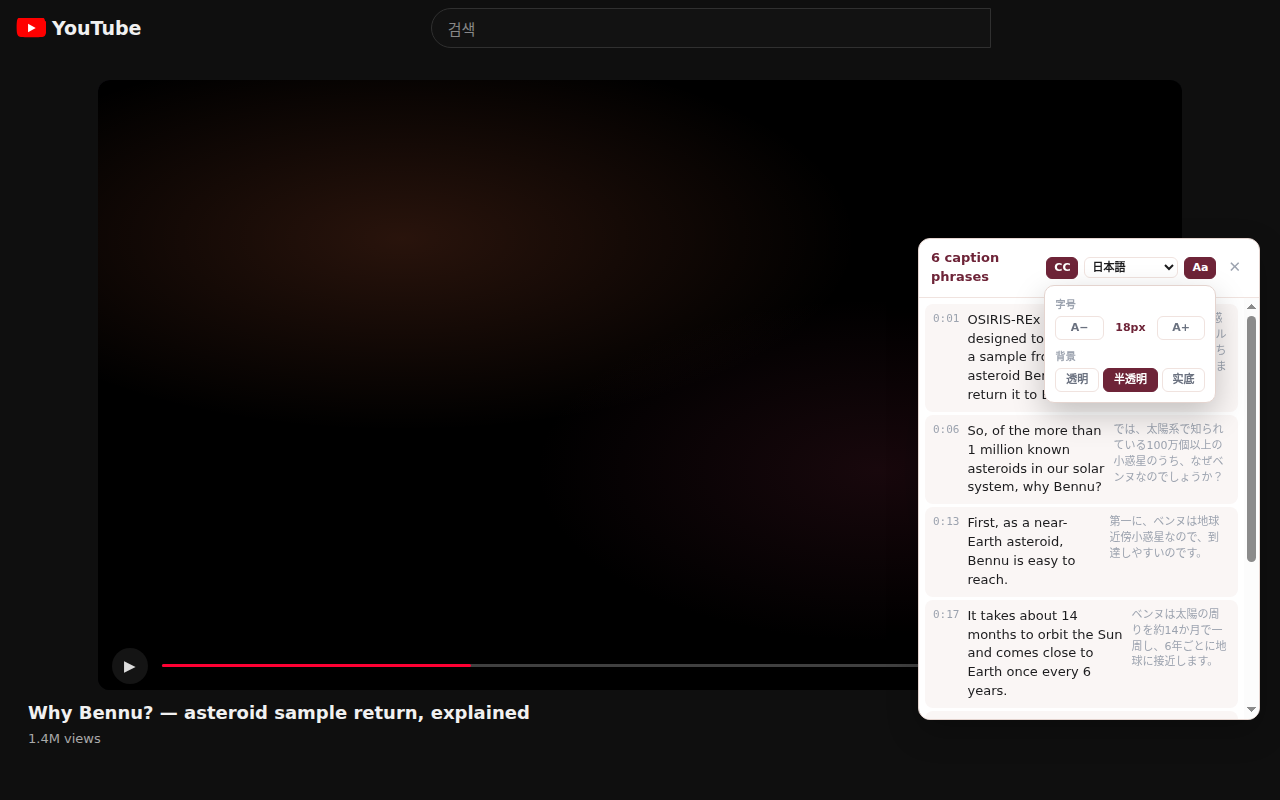
On YouTube, right in the page
The Chrome extension adds bilingual subtitles to any English video. Tap a subtitle line and it becomes a card, pinned to that exact moment. Lightweight, no login needed, and it never touches YouTube’s own player.
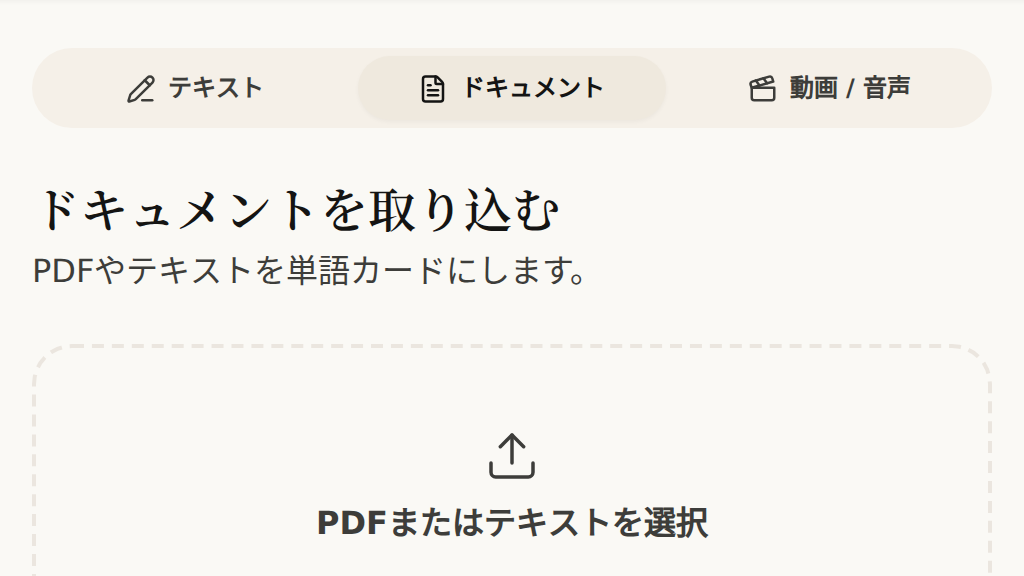
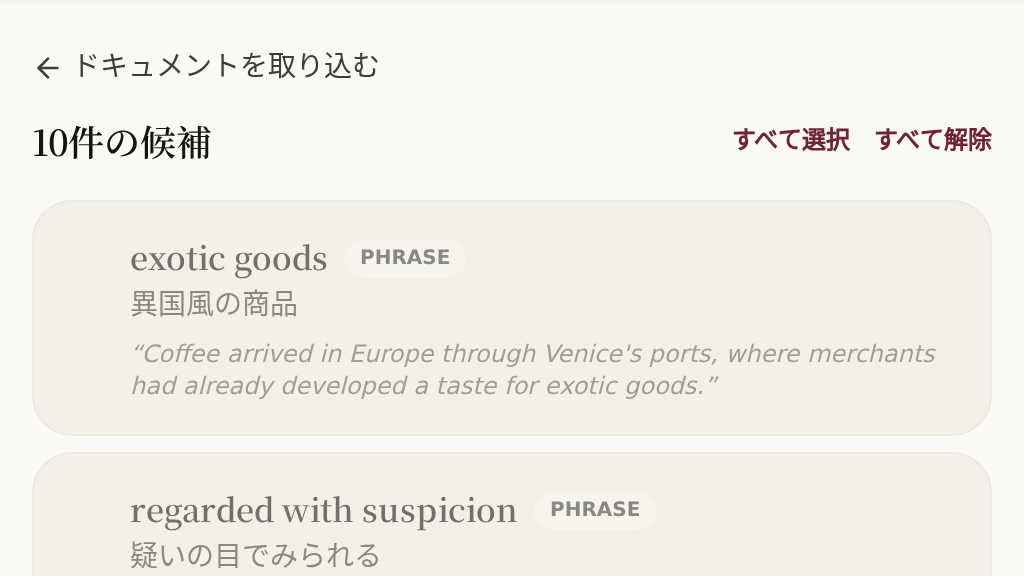
Articles and PDFs
Drop in a chapter. Piccard proposes the words worth learning. You confirm, it builds the complete cards.
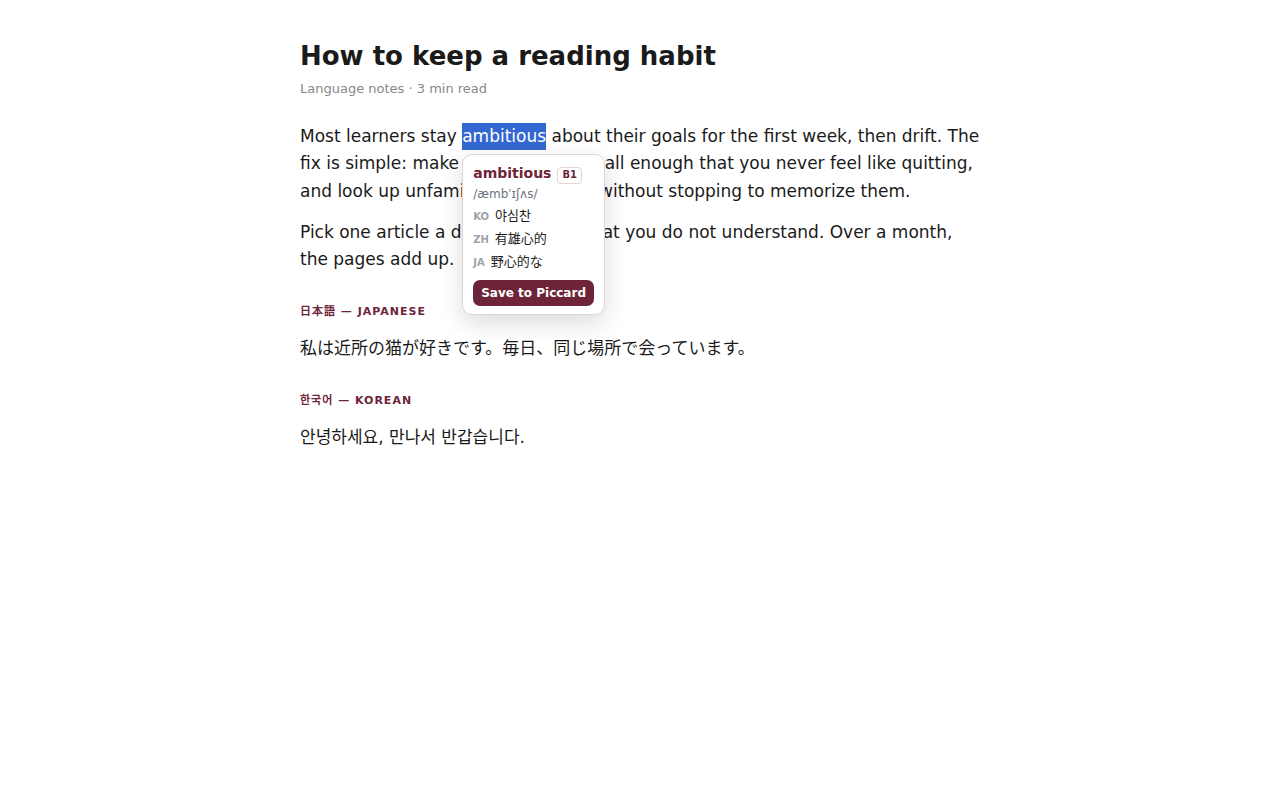
Select a word, any webpage
Double-click anything you’re reading. The definition appears — offline, no permissions asked. One click saves the card.
Every card remembers where it came from
Replay the exact film frame, podcast second, or book line a word was born in. Context is what makes a word stick, so the source is never thrown away.
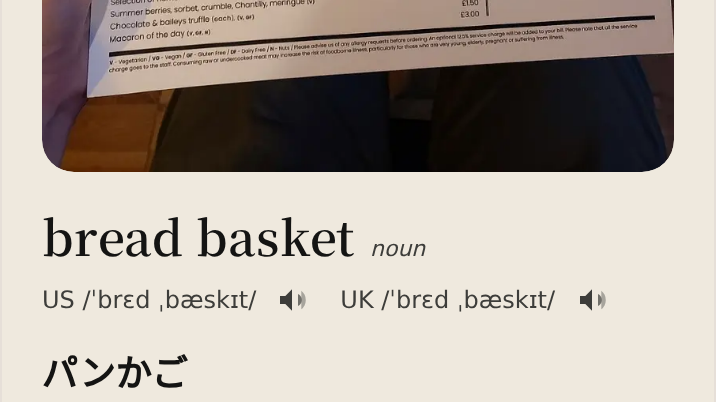
Or paste it. Or photograph it.
A paragraph, a sign, a menu. The shortest route from text to cards.
Pay only for what you use
Start with free energy. Top up anytime — it never expires.
Starter
- 150 free energy when you sign up
- Text cards included; AI image cards are a paid feature
- Switch languages anytime
- Full spaced repetition
- Works on any device
- Cloud sync included
Top-up packs
- 1 energy ≈ 1 text card
- $5 — 500 energy
- $10 — 1,200 energy (+20%)
- $20 — 2,700 energy (+35%)
Good questions
Yes! Every new account gets 150 free energy, enough for a few videos, PDFs, or hundreds of cards. Top up with energy packs ($5/$10/$20) only when you want more. Energy never expires.
Both are good tools with a gap between them: Language Reactor shows subtitles but saving words means exporting and importing into Anki, and Anki itself takes real setup — you build every card yourself. Piccard closes that gap. Tap a subtitle line and the complete card is already made — meaning, example sentence, pronunciation — and spaced repetition (the same SM-2 science behind Anki) schedules it for you. No config, no export/import bridge.
No. The extension is lightweight and doesn’t touch YouTube’s own player or captions — it layers its own subtitle panel on top. If you ever want it gone, one click removes everything. It also works without an account.
The web app needs nothing installed — it runs in your browser on any device. For bilingual subtitles right inside YouTube, you add the Chrome extension (lightweight, it doesn’t modify YouTube itself).
A scheduling algorithm decides when each card should come back — early while it’s fresh, later as it settles into long-term memory. The same SM-2 science behind Anki, but your cards build themselves from what you watch and read.
Yes! Your cards and review progress sync automatically across all your devices via your account. Start on your phone, continue on your laptop.
한국어 · 繁體中文 · 日本語 first — Piccard is built for Korean, Traditional Chinese, and Japanese speakers learning English. Spanish, French, and German are also available. Switch between them anytime.
Still have questions? Email support@piccard.app
Your first flashcard is one YouTube video away
Watch something. Tap a line. It’s yours — and it comes back before you forget it.
No credit card needed. 150 energy included.